 Tasbeeh Counter
Features
Every feature in detail
A simple tour of what the app offers.
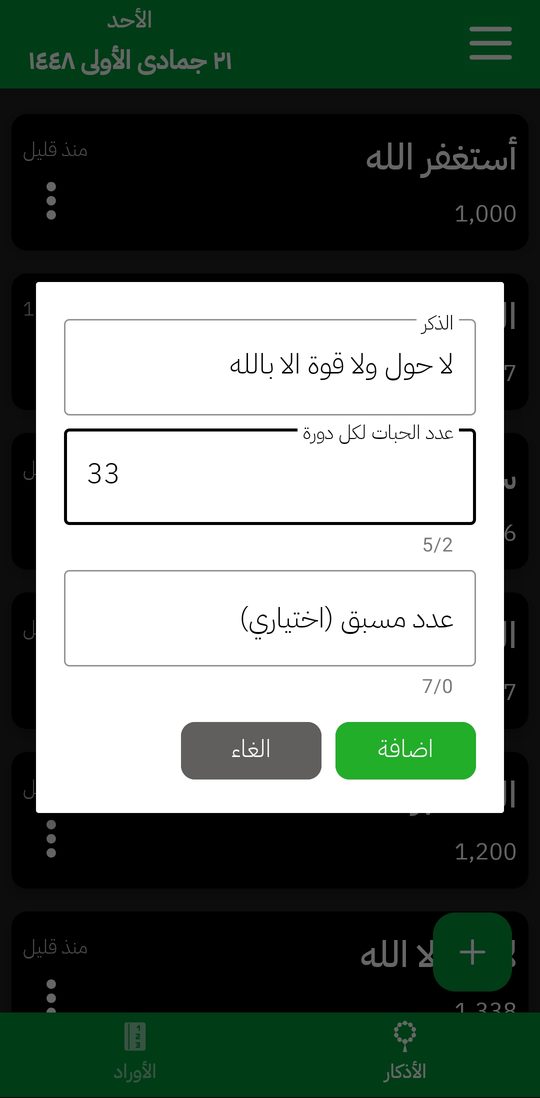
Your azkar, your way
Add, edit and order the azkar you need, and set a lap target for each.
You made tasbeeh outside the app? Edit the total yourself.
To reorder, press and hold a zikr and drag it up or down.
Every tap counts
Tap anywhere on the screen to count, not just the tasbeeh button.
Tapped by mistake? The (−) button undoes your last tap.
Move between azkar with the Previous and Next buttons.
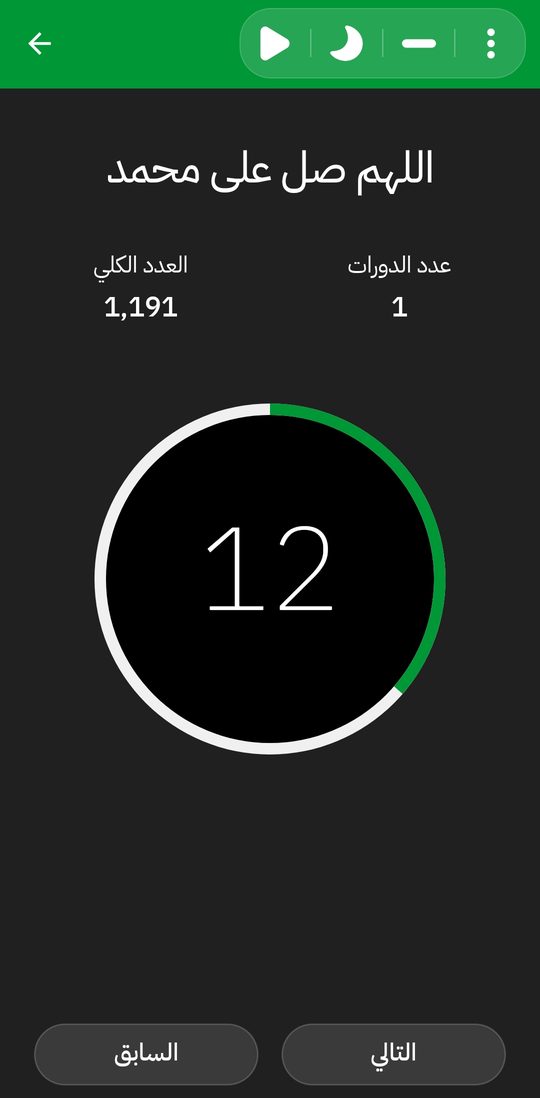
A quiet night mode
Keep your dhikr between you and Allah, and save battery.
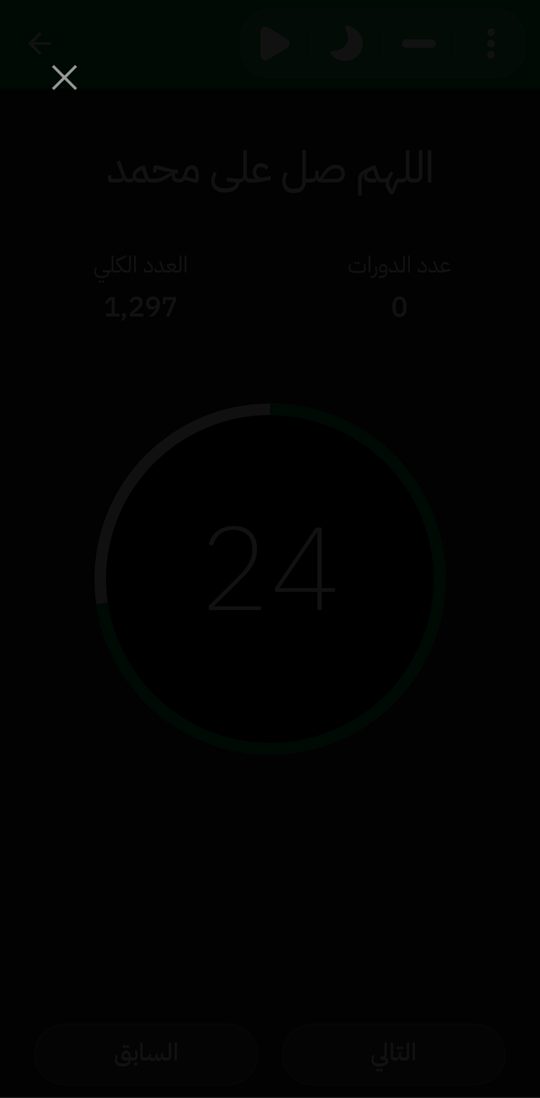
The screen goes fully dark, and every tap still counts.
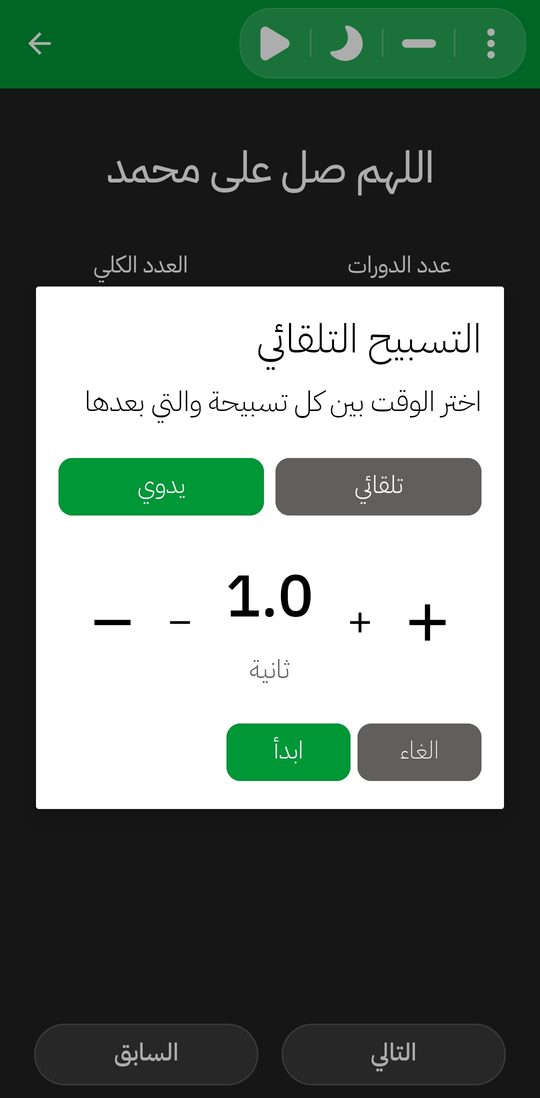
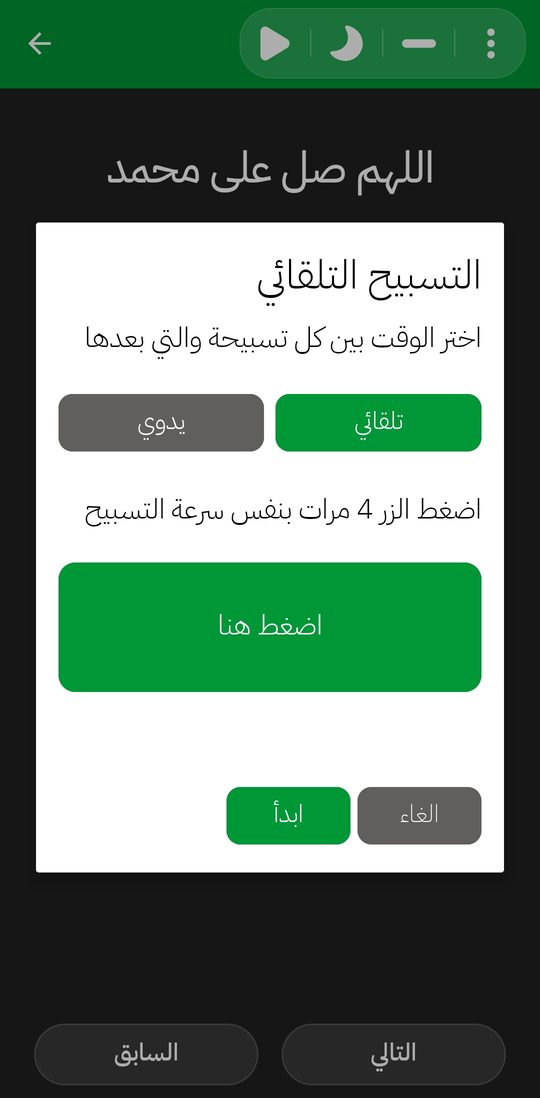
Auto timer
Tap the three dots, then “Edit timer”. Set the interval by hand, or tap 4 times at the pace of your dhikr and it’s set for you.
Every zikr keeps its own timer, and the play button starts or pauses it.
The timer keeps going when you press Home (not Back), even with the screen off.
Note: when you leave the app or turn off the phone, counts may arrive a little late on some phones because of the system’s battery saving. We’re working on improving this.
Quick options
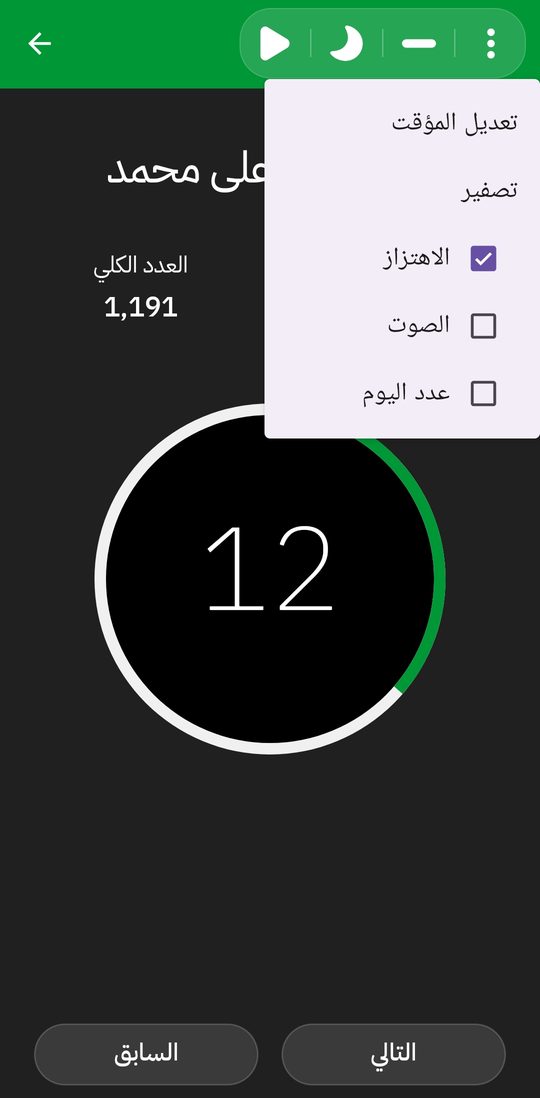
From the three dots, show or hide the day and session counts.
Switch sound or vibration on for every tap.
Your choices are remembered until you change them.
Settings
Settings that fit you
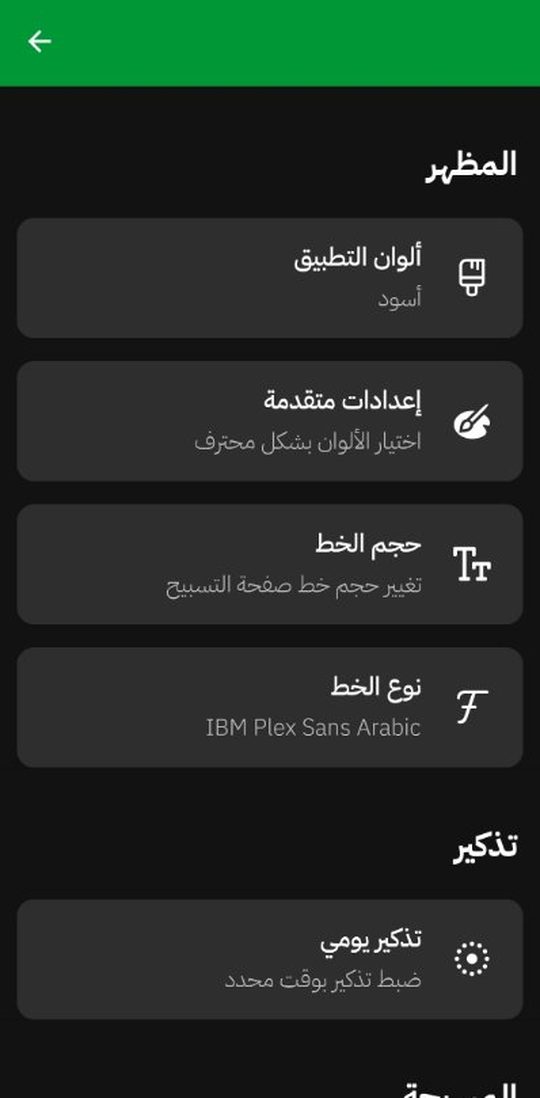
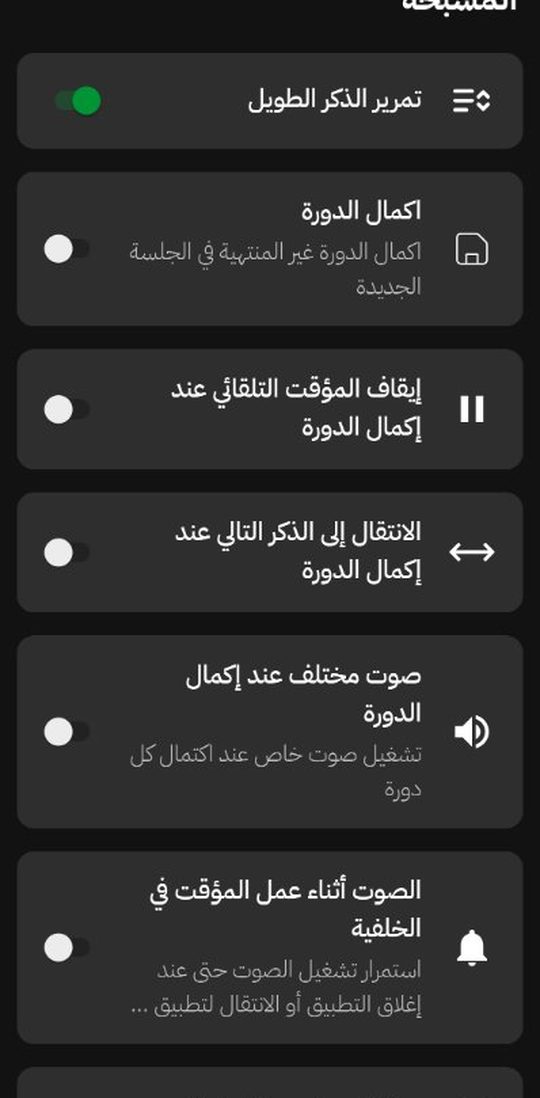
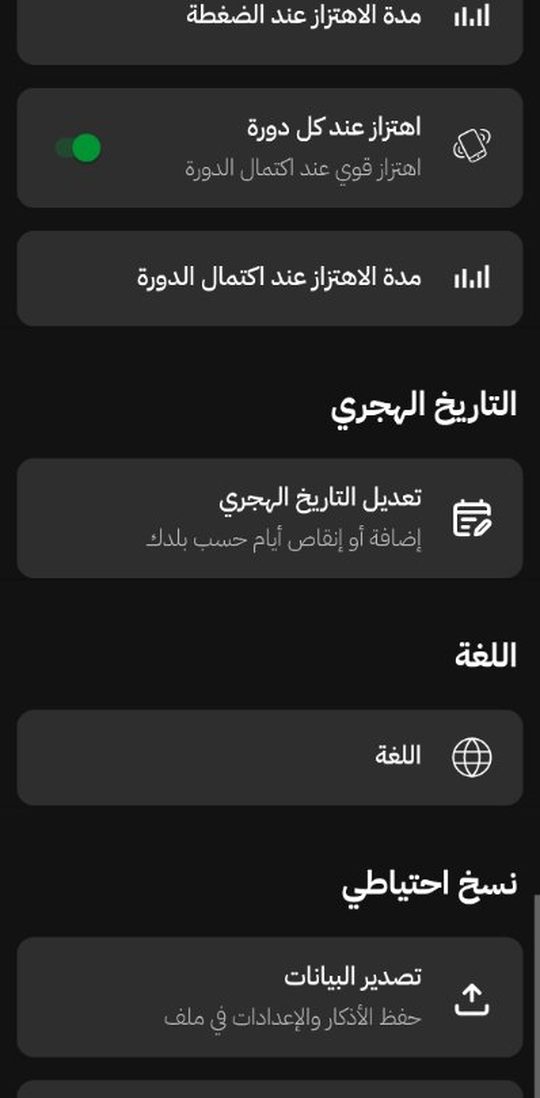
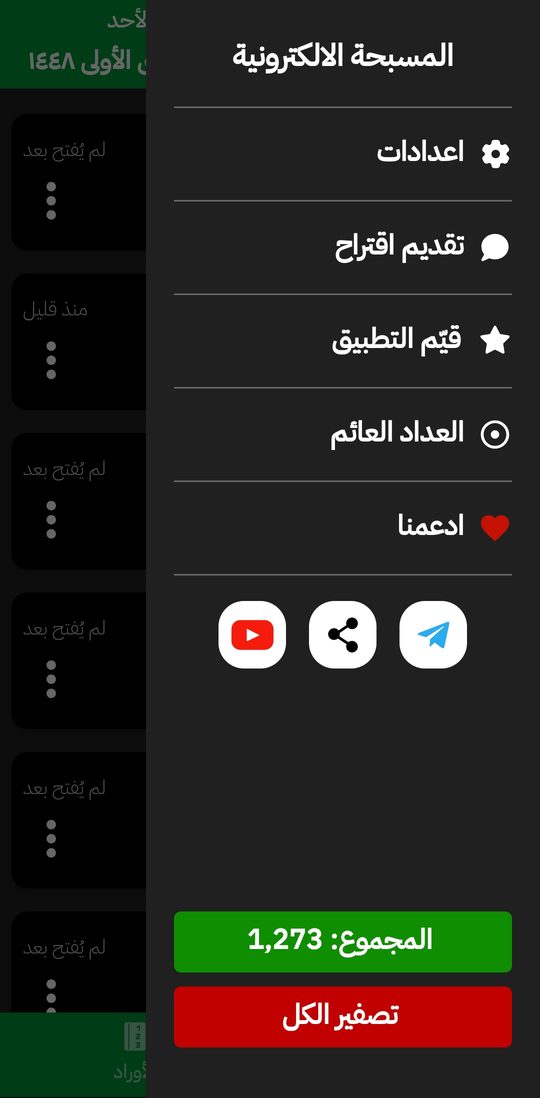
Everything one tap away
From the side menu: settings, rate the app, suggest an improvement, or support us.
Supporters also get the floating counter button here.
For supporters
Two big extras for supporters
On top of everything above, supporters get themes with Islamic pattern backgrounds, an elegant font list, and these two features:
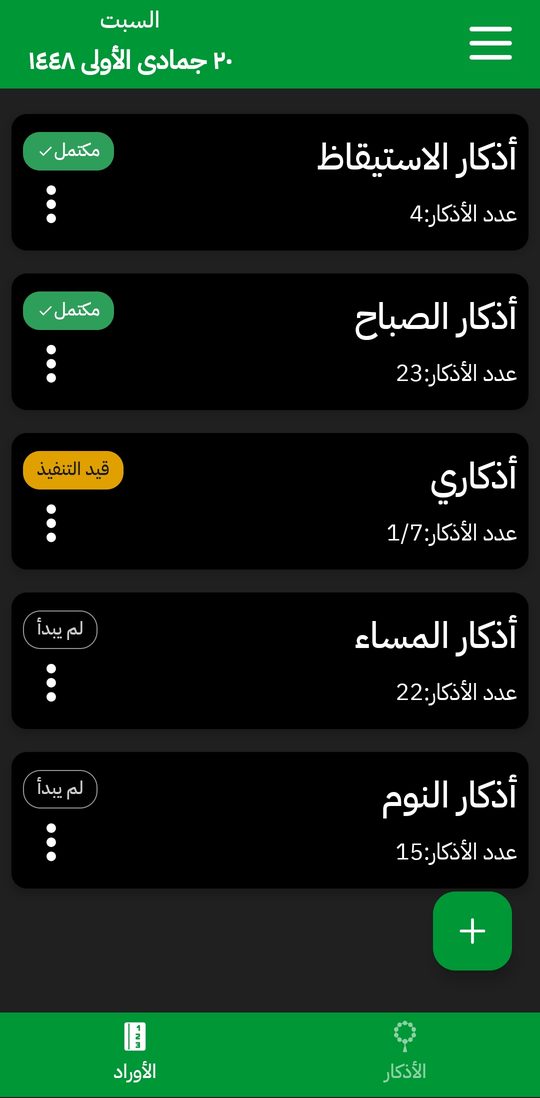
Wirds
Create, edit and order your wirds, and track your daily progress.
A wird is like a folder of several azkar, like morning azkar or tasbeeh and tahmeed.
If you don’t finish a wird, it asks the next day whether to continue or repeat it.
Floating counter
Keep your dhikr going while you use any other app!
For now it has its own total, and soon it will work with any zikr.